How it works
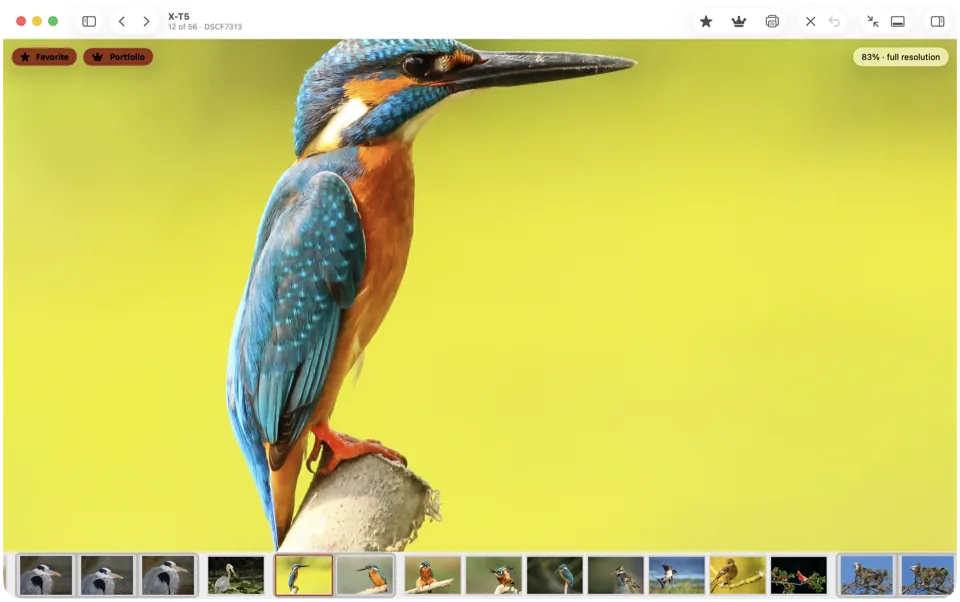
A RAW file holds the sensor's data, which a browser can't show — and, next to it, a JPEG the camera made from that data: the picture you saw on the camera's screen, with your picture style or film simulation. This viewer finds that JPEG, shows it, and reads the camera settings stored with the photo.
It all happens in your browser, on your device. The file isn't uploaded anywhere: there's no waiting for an upload, and the viewer keeps working if you go offline after the page has loaded.
Save as JPEG saves that embedded JPEG, with the camera, lens, date and exposure in its EXIF. It's the camera's own rendering, not a new development of the raw data: for white balance or exposure changes, use a raw developer.
Checking focus? Press Space or click the photo to see it at 100%, then drag to look around.
Which RAW files it opens, and how big the preview is
Most cameras embed a full-size JPEG; some keep a smaller one. Here's what we found in files from each camera family.
| Format | Cameras | Preview you get |
|---|---|---|
| CR3 | Canon EOS R and recent EOS models | Full size; none a browser can show for photos taken in HDR PQ mode |
| CR2 | Canon EOS and PowerShot | Full size on EOS models |
| NEF | Nikon | Full size |
| ARW | Sony | Full size on recent models such as the α7 V and α7R V; 1616 × 1080 on older ones |
| RAF | Fujifilm | 4416 × 2944 on recent X-series models; 1920 × 1280 on older ones |
| ORF | Olympus and OM System | 3200 × 2400 |
| RW2 | Panasonic Lumix | 1920 × 1440 |
| DNG | Pentax, Ricoh, phones, Adobe DNG Converter | Full size from Pentax and Ricoh cameras; from phones and converted files it depends on the app: often smaller, sometimes none |
Other RAW formats that carry a JPEG preview open too.
Shutter count
Nikon, Sony, Pentax and Ricoh cameras — and Canon's EOS R5, R6 and R6 Mark II — write the shutter count into their photos, and the viewer shows it; Fujifilm cameras record an image count instead. Which models do is listed on our shutter count checker.